Downloader Fire TV & Android TV Easy Setup

How to Install Asif Player via Downloader

Follow this illustrated 4-step tutorial to download and install Asif Player on Amazon FireStick, Fire TV Cube, Android TV, Google TV, and Android boxes in under 2 minutes.
Downloader Quick Access Code
5997085
Or download directly on your phone/PC: Direct APK Download

4 Simple Steps to Install Asif Player

Follow these steps on your Fire TV Stick, Fire TV Cube, or Android TV device.

1

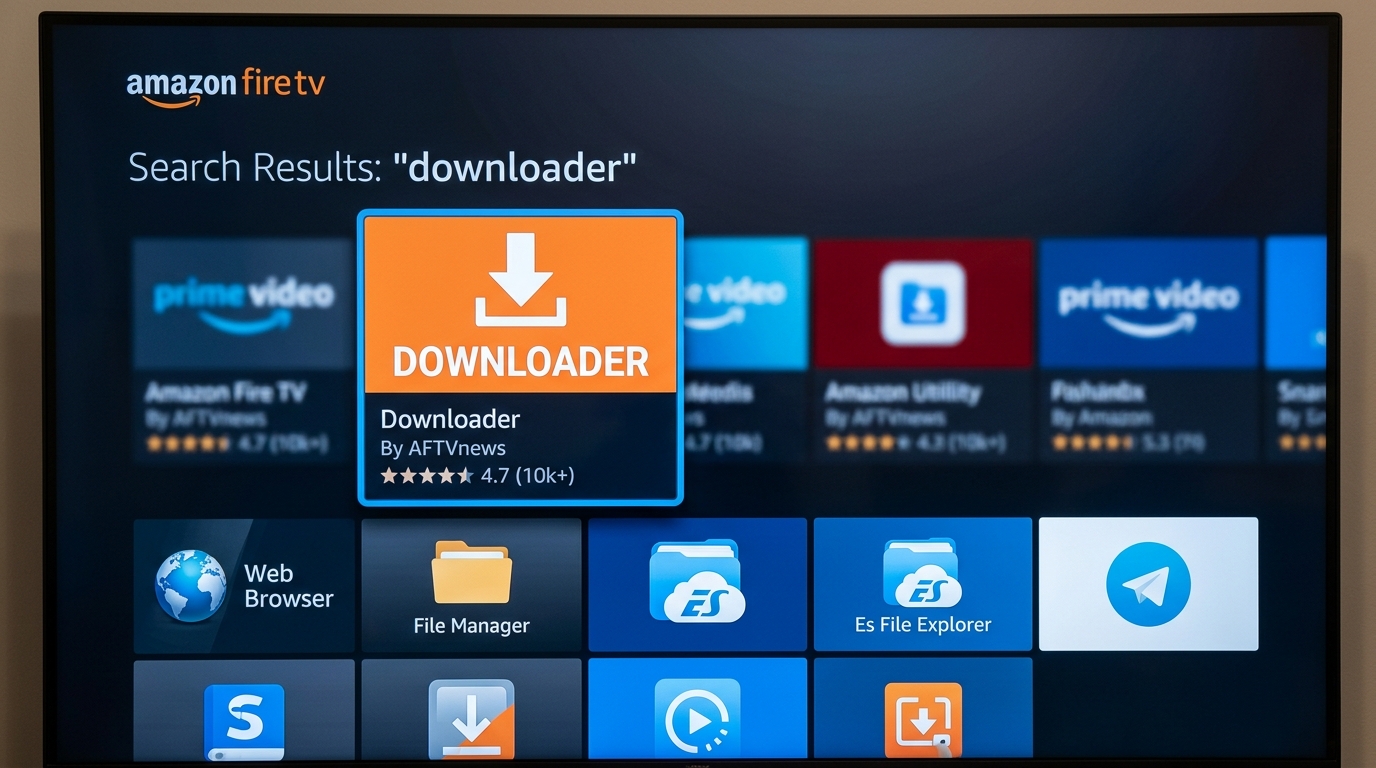
Step 1: Install the "Downloader" App from Amazon Appstore

On your Fire TV home screen, navigate to Find → Search. Type Downloader using the on-screen keyboard. Select the official orange Downloader by AFTVnews tile and click Get / Download to install it for free.

Step 1: Search Downloader app on Fire TV
2

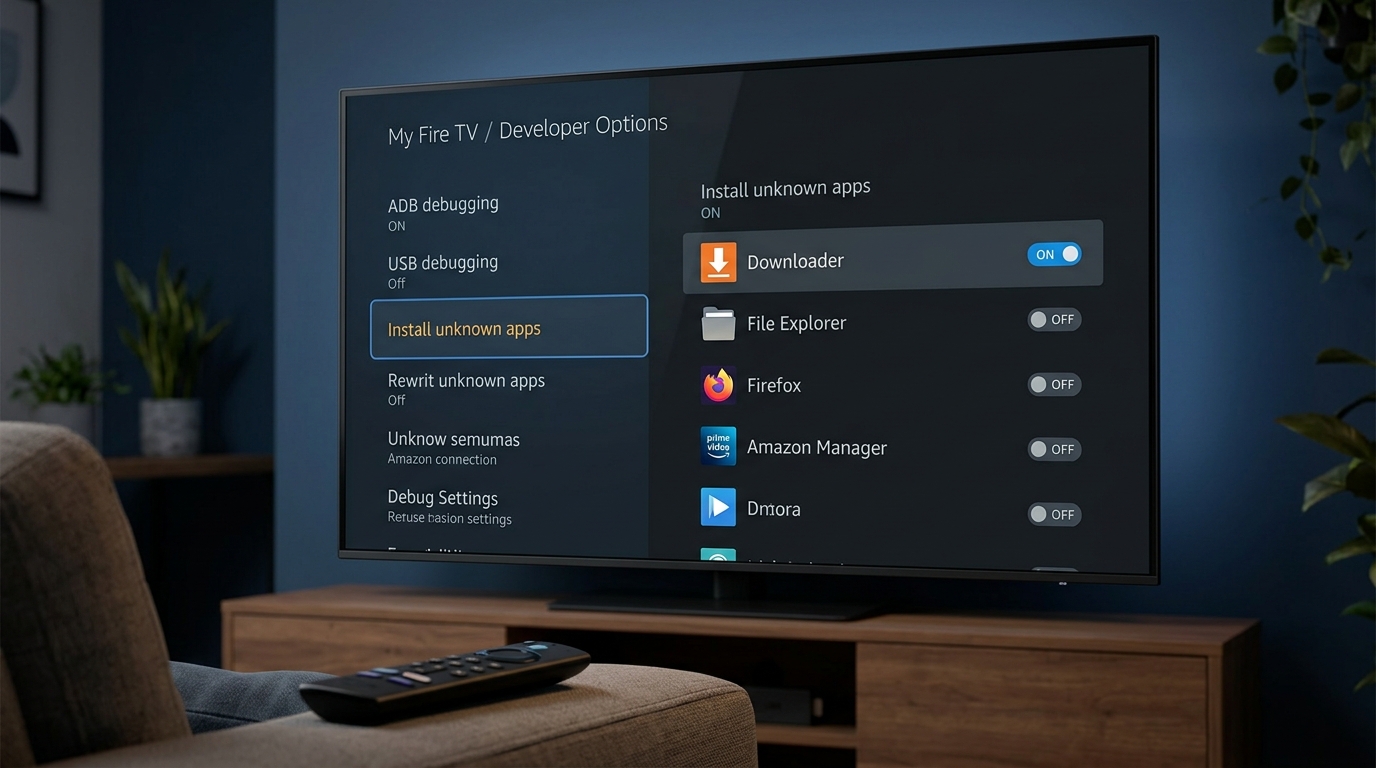
Step 2: Enable "Install Unknown Apps" in Developer Options

Fire TV requires permission to install APKs. Go to Settings (Gear icon) → My Fire TV → Developer Options → Install unknown apps (or Apps from Unknown Sources). Highlight Downloader and toggle it to ON.

Pro Tip: Can't see "Developer Options" on Fire OS 7 or 8?

Go to Settings → My Fire TV → About. Highlight your device name (e.g. Fire TV Stick 4K) and press the Select / Center button on your remote 7 times until you see the message: "No need, you are already a developer." Then press back to access Developer Options.

Step 2: Enable Install Unknown Apps for Downloader
3

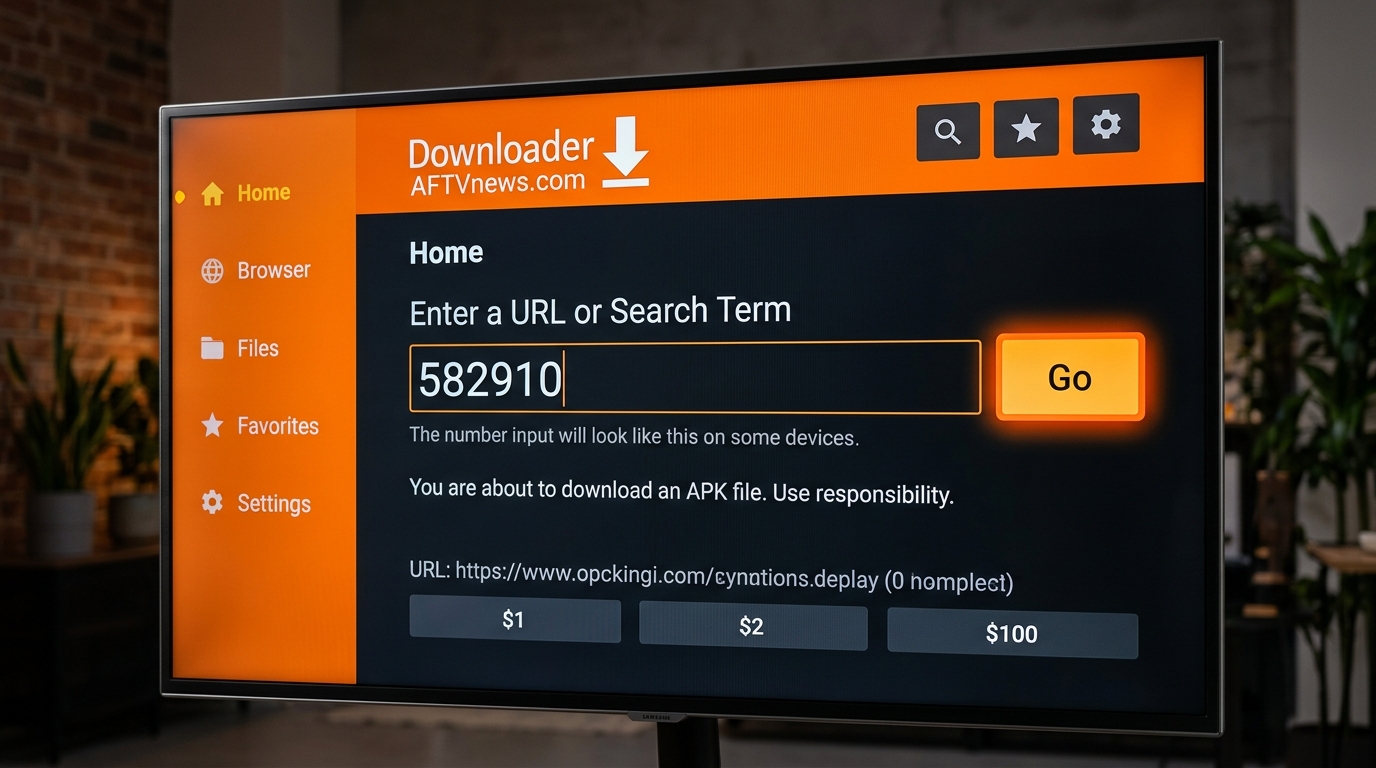
Step 3: Open Downloader, Enter Code 5997085, & Press Go

Launch the Downloader app from your Apps screen. On the Home tab, click the URL input box. Type the 6-digit code 5997085 using the on-screen keypad, then select Go. Downloader will instantly redirect and download the official Asif Player APK.

Step 3: Enter Downloader Code into Downloader App
4

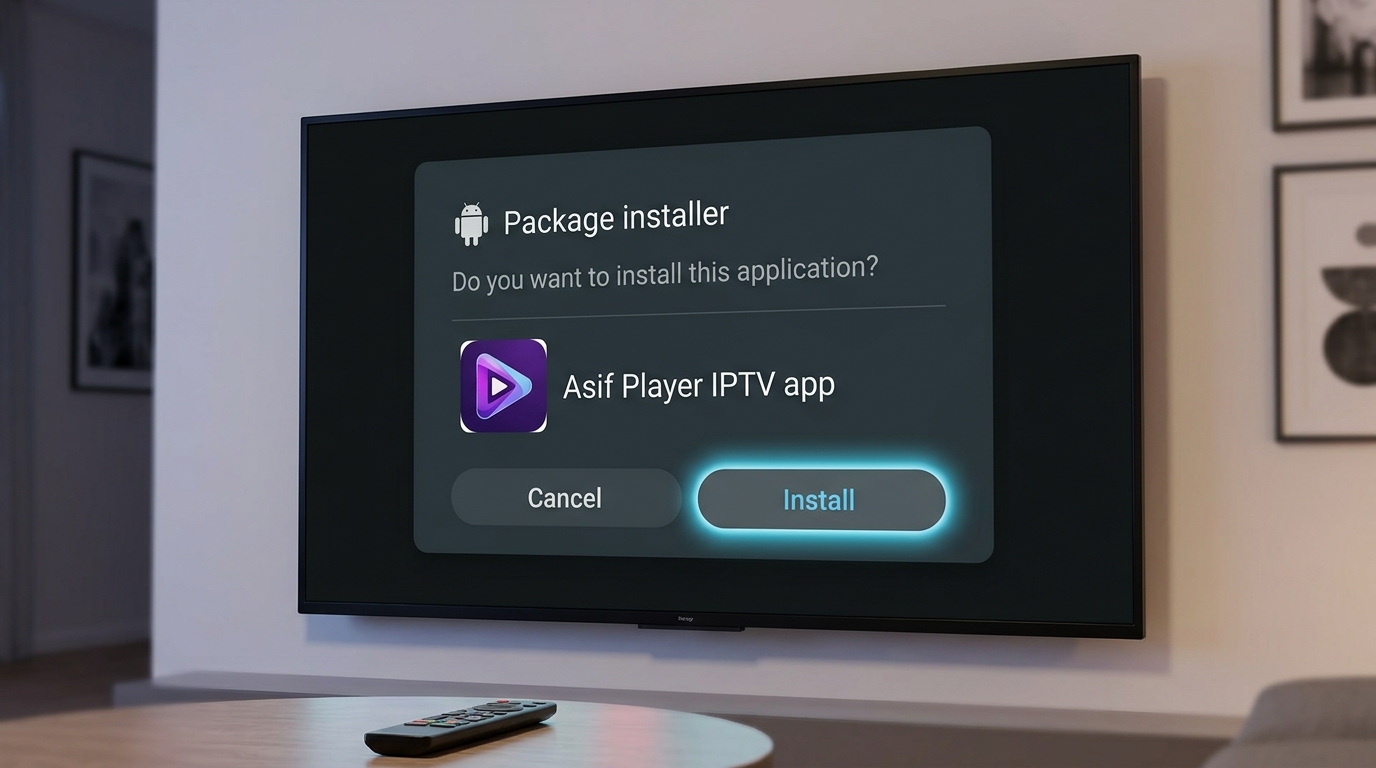
Step 4: Install & Launch Asif Player

When the download reaches 100%, the Android TV Package Installer prompt will appear. Click Install. Once installation is finished, click Open to start Asif Player immediately! You can also click Done and choose Delete in Downloader to free up storage space.

Step 4: Install and open Asif Player on Smart TV

App Installed? Activate or Connect Your Playlist

Open Asif Player on your TV to view your MAC address and Device Key, then manage your playlists or activate your device below.

Manage Playlists Activate Device

Frequently Asked Questions

Common questions about Downloader app and Fire TV installation.

What is Downloader by AFTVnews?
▼
Downloader is a popular, free utility app for Amazon Fire TV and Android TV devices developed by AFTVnews. It allows users to easily download APK installation files directly from the web onto their TV screens using short 5 or 6 digit codes.
Why does Downloader say "An unknown error has occurred"?
▼
This usually happens when Downloader has not been granted storage permissions or if your TV device is not connected to active Wi-Fi. Check your internet connection, restart Downloader, or verify you typed the exact code: 5997085.
Can I install Asif Player on Google TV or Android TV boxes?
▼
Yes! Downloader is also available on the Google Play Store for Google TV (Chromecast with Google TV), Nvidia Shield, Xiaomi Mi Box, and other certified Android TV devices. Simply install Downloader from the Play Store and enter code 5997085.
Will Asif Player receive automatic updates?
▼
Yes. Asif Player features an integrated Over-The-Air (OTA) update mechanism. When a new version is released by our engineering team, the app will notify you upon launch and allow you to update directly.